
1
Enter your idea
Freely describe the scene, people, and emotion you want to make, then select `Start Direction`.
.webp)
Follow the real production screens to learn how to go from an initial idea to a finished video.
SHORT CLIP WORKFLOW · 6 STEPS
Enter an idea and complete direction, characters, places, props, storyboards, and video in one production flow. Follow the buttons in the order shown on screen.
STEP BY STEP
Freely describe the scene, people, and emotion you want to make, then select `Start Direction`.
We automatically organize the characters, places, props, and scene composition from your idea.
.webp)
Select `Generate All Images` to prepare the reference images needed for video.
.webp)
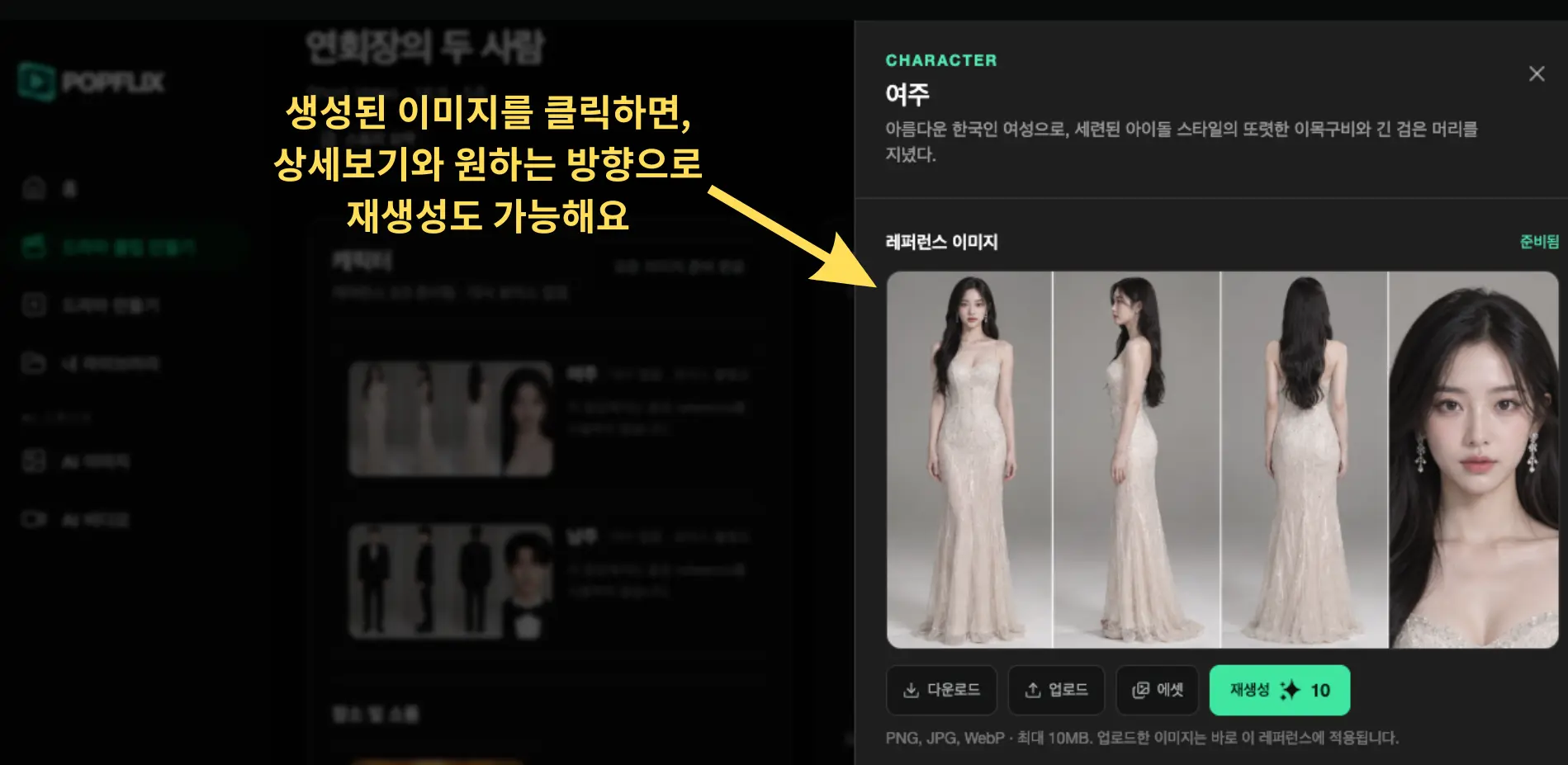
Open an image in detail view and describe your preferred look or mood to generate it again.
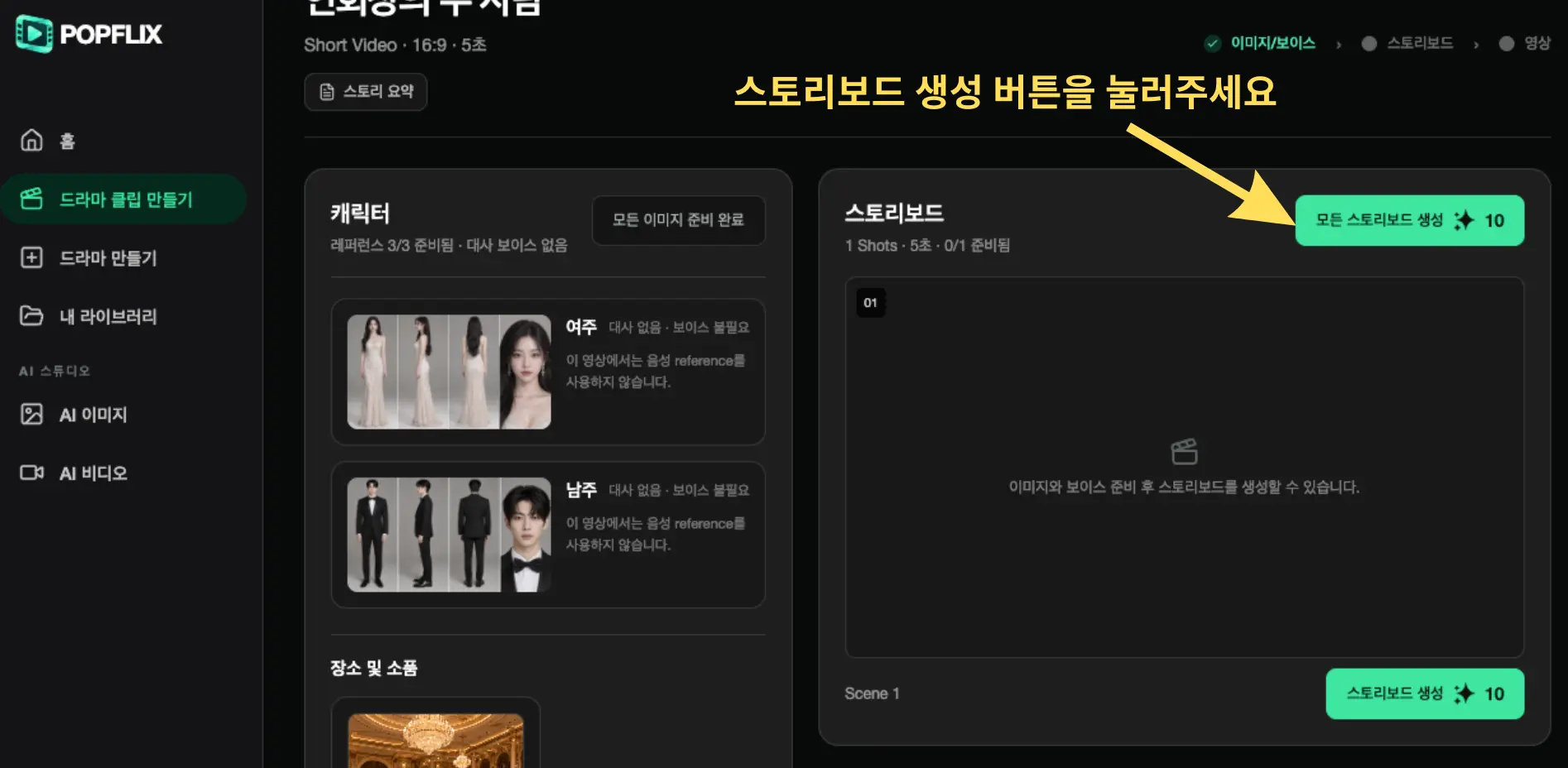
Once images are ready, select `Generate All Storyboards` to review the scene composition.
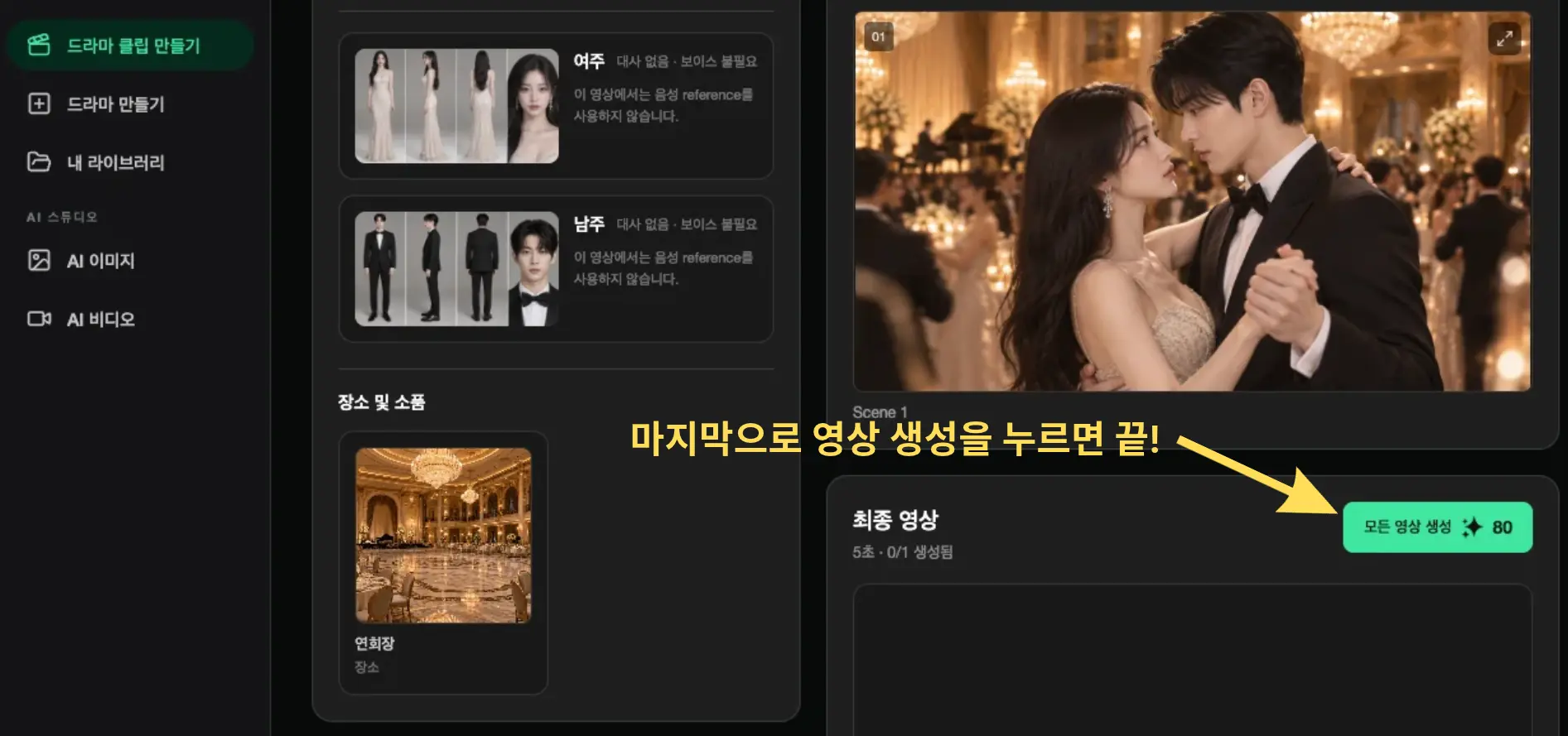
After reviewing the storyboards, select `Generate All Videos` to finish the drama clip.
PRODUCTION TIPS